I made sure I’ve update my Gatling version to the latest release I read the guidelines and how to ask a question topics. I provided a SSCCE (or at least, all information to help the community understand my topic) I copied output I observe and explain what I think should be.
Hello Devs,
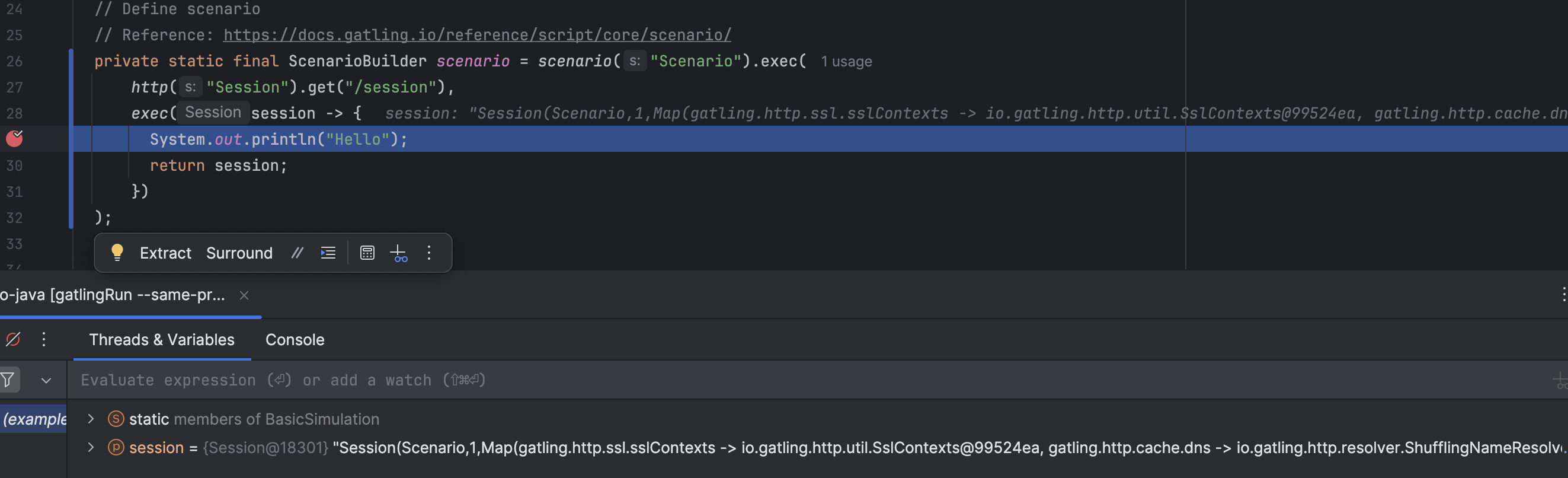
I have been trying to enable debugging mode in intellij idea and using the following configs:
using command
gatlingRun --same-process --simulation=
but everytime i runs it fails never start in debugging mode.
Is there any other way to make it work? I have followed all the steps mentioned in the docs.
I’ve just checked and it works for me.
Are you sure you’re launching “Debug” and not “Run”?
Also, make sure to update your IntelliJ IDEA version, there was a regression that was fixed some times ago.
 I made sure I’ve update my Gatling version to the latest release